- Apple Developer Academy
- iOS
- HealthKit
Mood Garden, a garden that grows when you do
A small iOS app from my year at the Apple Developer Academy, where walking, sleeping, and drinking water earn seeds for a garden you tend yourself.

Muhammad Zhafran
Mood Garden started with one line, which became the first thing you see when you open it: take care of your garden by taking care of yourself. We built it at the Apple Developer Academy in May and June 2025.
The idea
Most health apps show you numbers and leave the motivation to you. We wanted something you'd want to come back to. In Mood Garden, looking after yourself grows something.
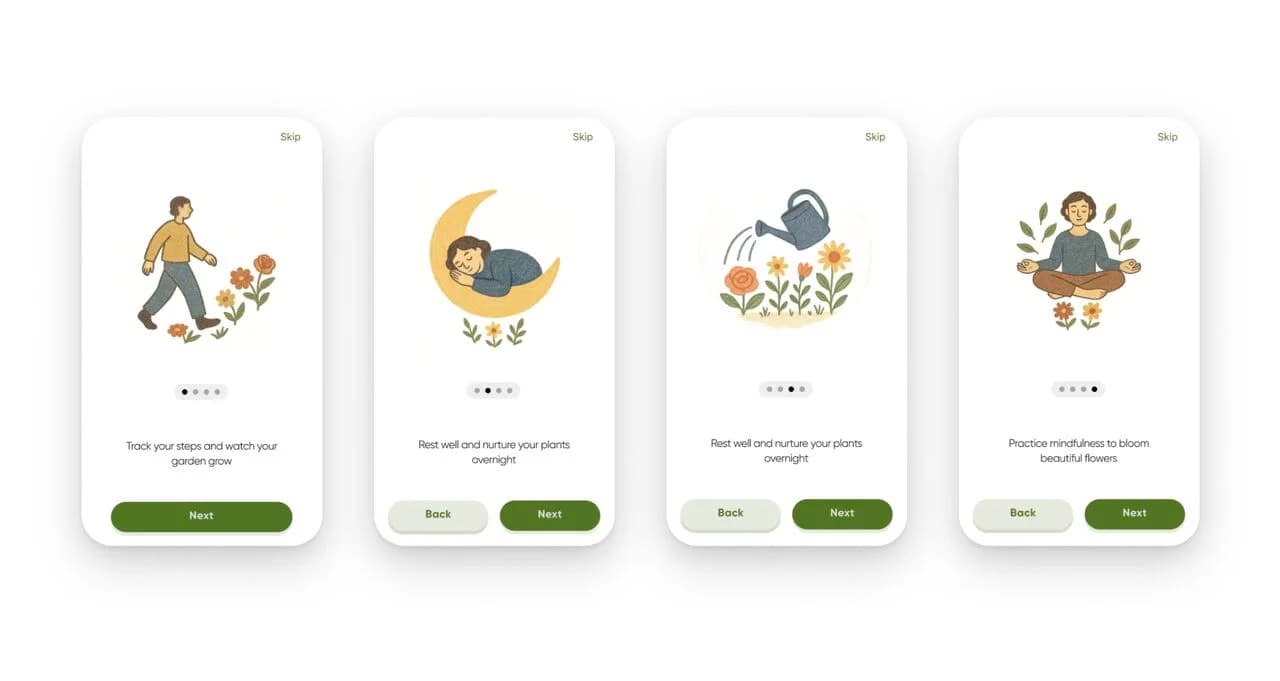
There are three daily goals:
- Walk 5,000 steps.
- Sleep for 7 hours.
- Drink 2 litres of water.
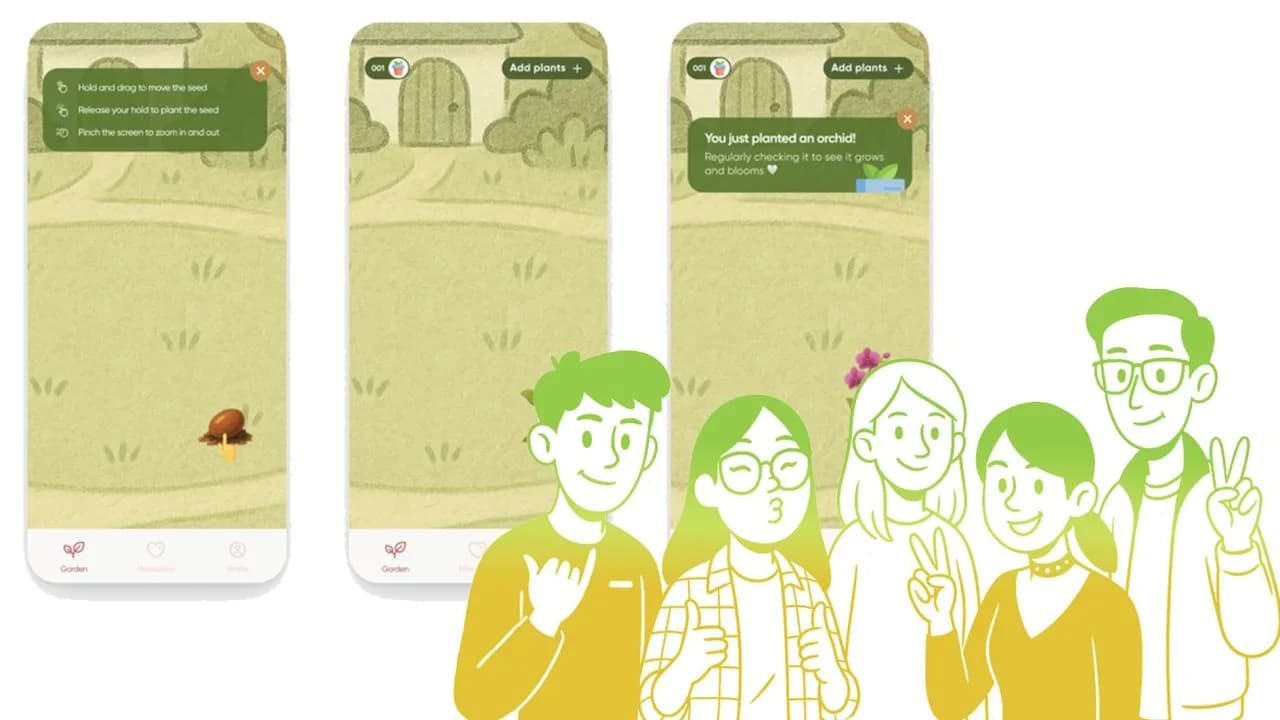
Reach a goal and you earn a seed. Drag it into your garden and it grows, from seed to sprout to a full plant, while a butterfly drifts around and comes over to see what you've planted. Miss a day and nothing dies. The garden just waits for you.
How it works
Steps and sleep come from Apple Health, and the app only ever reads them. Water you log yourself, from a home screen widget: each tap adds one refill of your bottle without opening the app, and the app and widget share the same count.
The garden is a SpriteKit scene. You can pan around it, drag seeds into place, and double-tap to reset the view.
Nothing leaves the phone. There's no account, no server, and no analytics, so your health data stays on your iPhone.
The team
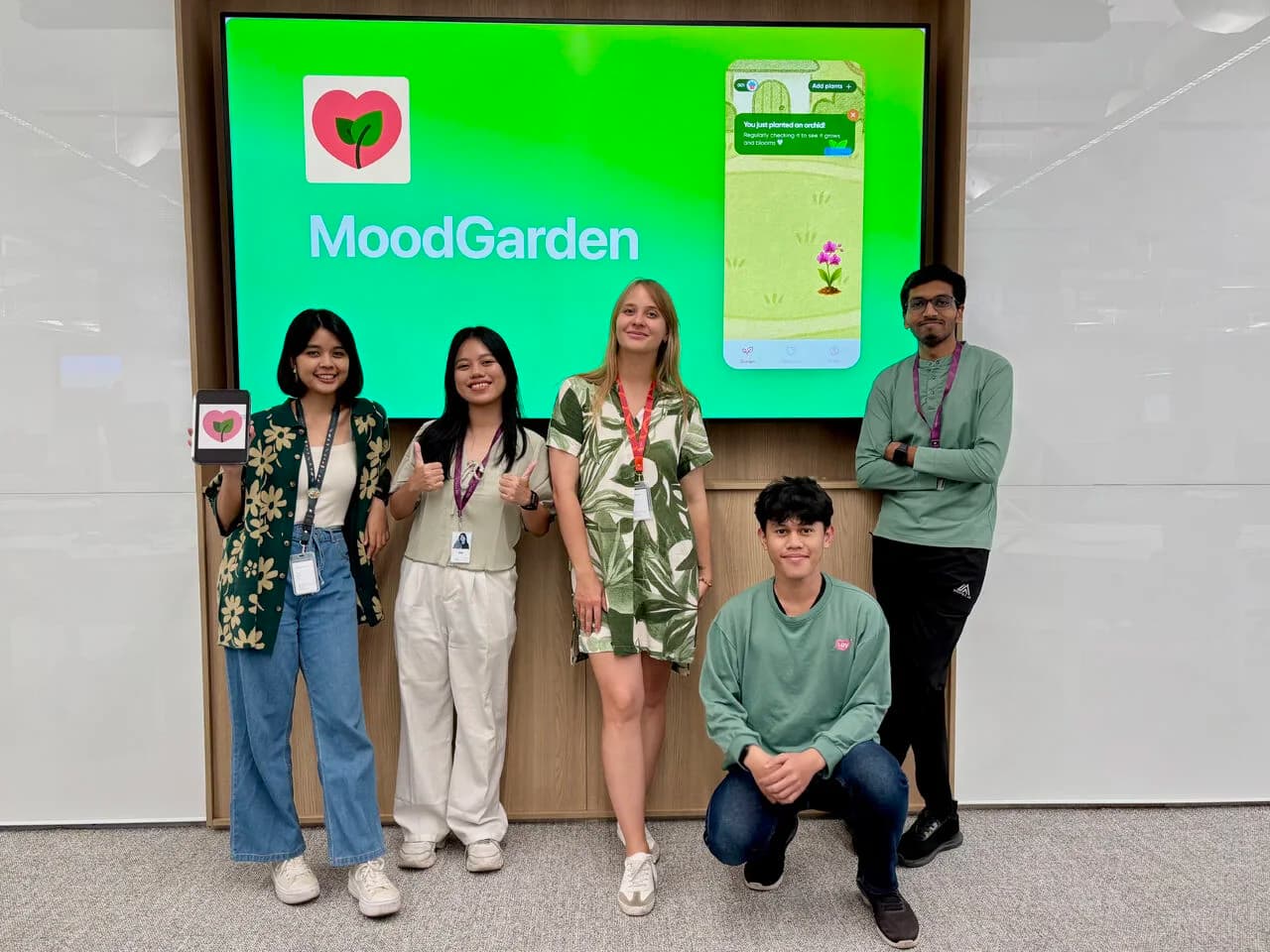
Mood Garden was five of us:
 Daria IaparovaProduct manager
 Audry SaskianisaDesigner
 Vena FeranicaDeveloper
 Krishna PatidarDeveloper
 Muhammad ZhafranDeveloper (me)
My part was the onboarding screens, work on the garden scene, and fixes to how the garden saves its state and how it responds to your gestures.